This report allows the user to create a report of company information, including a financial summary for all events in the system and custom company fields.
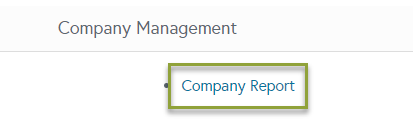
You can also access this report through the Companies Tab at the top of your screen.


To Pull the Report
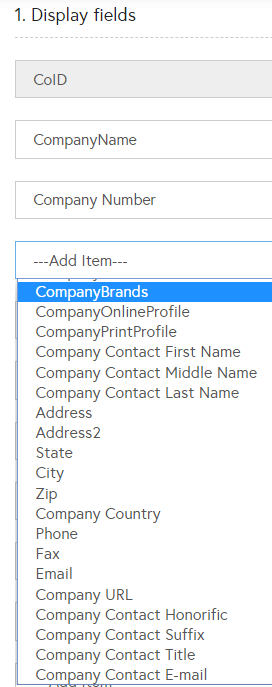
- Select fields to display from the drop down boxes.
- Select the Search Criteria
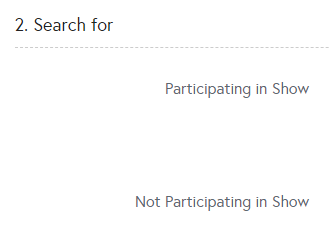
- Participating in Show – Select shows to narrow results to only companies that have either booths or active orders (excluding Cancellation Orders) in the selected show(s). Use Ctrl+mouse click to select multiple shows (command+mouse click for Mac users). Combine with ‘Not Participating in Show’ to narrow results to exclude exhibitors who exhibited in one show but not in another.
- Not Participating in Show - Select shows to narrow results to only companies that did not have booths or orders in the selected show(s). Use Ctrl+mouse click to select multiple shows (command+mouse click for Mac users). Combine with ‘Participating in Show’ to narrow results to exclude exhibitors who exhibited in one show but not in another.
- Company Name – Type in all or part of a company name to get results that contain that company name.
- Company Category – If companies are associated with Company Categories, select one or more to narrow results
- HTML – the system will display the results in the same browser window.
- ASCII - the system will prompt the user to open or save a text file.
- Excel - the system will prompt the user to open or save an Excel file
- PDF – the system will prompt the user to open or save a PDF file
- XML - the system will open a new browser window or tab, and display the results.